
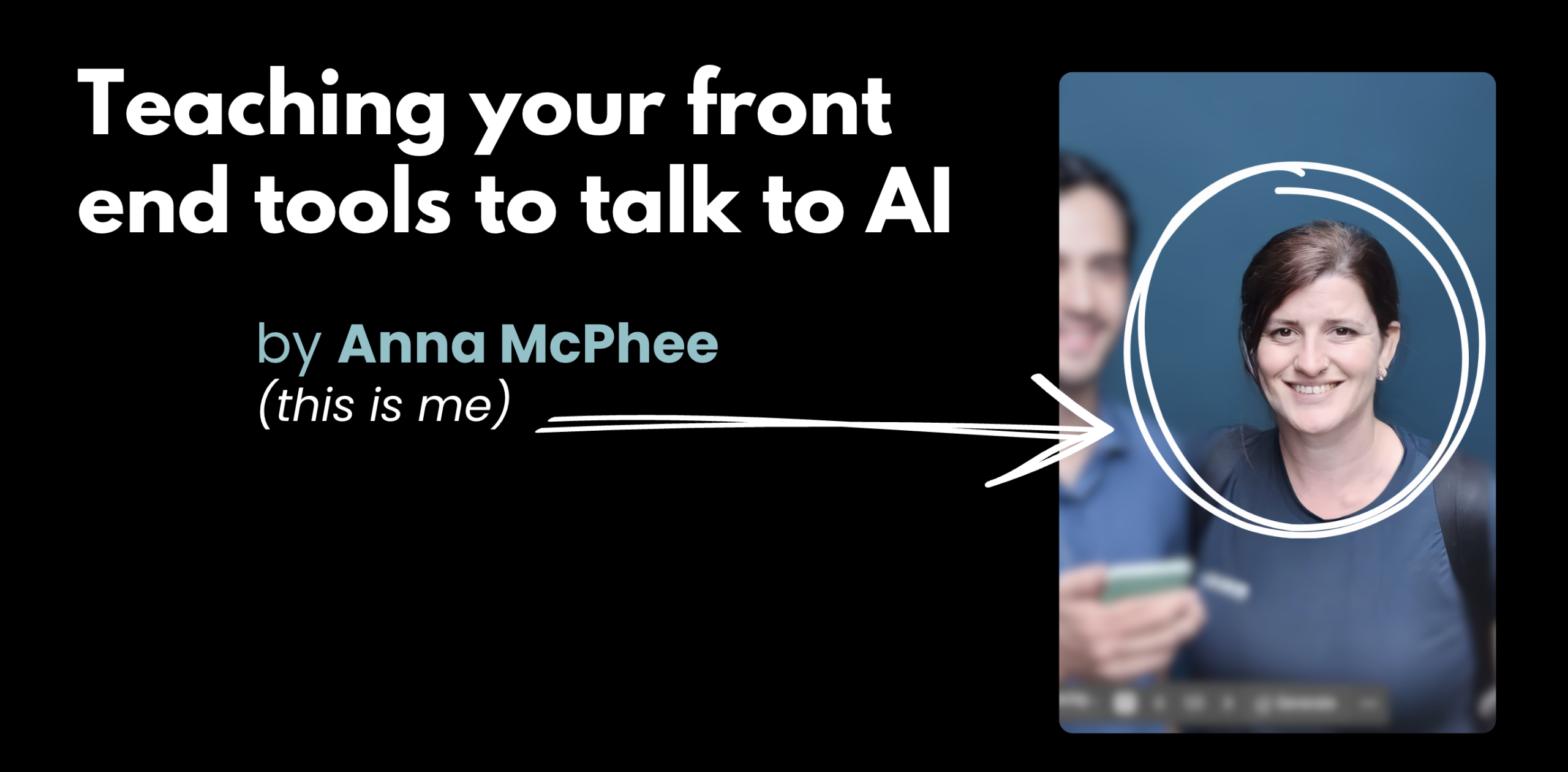
Thankfully, the room laughed when I showed my AI-generated headshots at Web Directions Developer Summit last week. I’d asked AI to remove my boyfriend from a photo, and it gave me a different man instead. Then a jungle background with a cocktail.
I built a portfolio site using Lovable – a currently popular no-code AI builder where you can describe what you want, and watch it come to life in realtime. Five minutes from idea to working code. Modern gradients, smooth animations, all the right sections. It looked genuinely good.
Once that was done, I ran three MCP servers on it.
Chrome DevTools MCP for a Reality Check
I asked Claude Code to audit the site using the relatively new Chrome DevTools MCP
- JavaScript bundle: 1.1MB (that lucide-react dependency importing every icon when I used five)
- Accessibility score: 67/100
- Missing ARIA labels on all interactive elements
- Seven colour contrast violations—beautiful purple gradient, completely unreadable
- Mobile broken on screens under 768px
But what made this different from running Lighthouse manually? Well for a start, it’s just easier to manage all in one place. Also, Claude gave me file names, line numbers, exact fixes. Not “maybe consider accessibility” but “Line 47 in Hero.tsx: button element requires aria-label='Open navigation menu'” and then my agent had all the knowledge needed to fix it iteratively.
That context is the difference between AI guessing and AI knowing exactly what needs fixing. It’s a key component in what I feel is vibe coding compared to vibe engineering.
Context7 MCP for a Documentation Oracle
This server maintains current React documentation. It caught things I’d missed:
defaultPropsusage – deprecated as of React 18.3, still in Claude’s training data- State management patterns that work but aren’t optimal for concurrent rendering
- Component composition that could make testing easier
It checked my code against what React’s maintainers recommend now, not what was popular when GPT-4’s training data ended.
Playwright MCP to see what Actually Works
Playwright wrote and ran automated tests. They failed (surprise, surprise!)
- Modal opened with Enter, couldn’t close without a mouse
- Form validation was cosmetic – API endpoint hardcoded to return success
- Portfolio scroll broke completely with keyboard navigation
This is what “looks good” means without proper testing: works for me, using my mouse, on my device, the way I browse.
Without those three MCP servers, I could’ve shipped it thinking “this looks great.”
The Gotchas
Security: Filesystem MCP can read/write anywhere you can. No centralised audits. You’re running code with filesystem access controlled by AI that makes mistakes.
When to just use CLI: If you can do it in one bash command, do that. Don’t over-architect. Don’t waste an afternoon debugging MCP to check bundle sizes when npm run build takes ten seconds.
Quality varies wildly: Chrome DevTools, Context7, Playwright are mature and maintained. Most servers in the registry are experiments or abandoned projects. No download counts, no quality signals.
Not always the right tool: MCP might help, might just be debugging overhead. Important to always be figuring out when context matters enough to justify the setup.
Where This Is Going
- Windows 11 integration announced at Build 2025
- Async operations in the spec—audits running continuously as you code
- Multi-agent collaboration—one agent finds the issue, another looks up standards, a third writes the test
- 5,000+ community servers, but more builders than users (still the Geocities era)
Industry says 90% of enterprises by end of 2025. I’m sceptical, but the momentum is real.
Not sure where to begin? Start Here
- Connect Claude Desktop to Filesystem server, analyse a project – any project. Doesn’t need to be code!
- Try Chrome DevTools MCP if you do frontend work
- Don’t build your own server yet – use existing ones first
For technical definitions, I wrote an MCP glossary with metaphors.
The Core Lesson
Remember the boyfriend story: AI without context gives you statistical averages; replacement boyfriends or code that “looks good” but breaks for half your users.
AI with context gives you specific solutions to specific problems.
MCP is how we bridge that gap. Not perfectly, not magically, but practically. With configuration files and environment variables and the occasional need to restart everything.
When I need to audit accessibility across a site or check for deprecated APIs I’ve never touched? Having tools that give LLM’s actual context instead of making it guess – that’s when it’s worth the setup.
FAQ
What’s the difference between vibe coding and vibe engineering?
Vibe coding is using AI to generate code quickly based on feel — great for prototypes, but the output often has hidden quality problems. Vibe engineering means using AI as part of a rigorous workflow: you still audit, test, and verify. The MCP servers in this post (Chrome DevTools, Context7, Playwright) are what turn vibe coding into vibe engineering.
Which MCP servers should I start with?
Chrome DevTools MCP if you do any frontend work — it gives actionable, specific fixes rather than vague suggestions. Context7 if you want to make sure your code matches current library documentation rather than what was in your AI’s training data. Playwright MCP if you want to catch accessibility and interaction bugs that "looks good" won’t catch.
Is MCP production-ready in 2025?
Mostly. The core servers (Chrome DevTools, Context7, Playwright) are mature and maintained. The broader ecosystem is still Geocities-era — lots of experiments, abandoned projects, and no quality signals. Approach community servers with appropriate scepticism.
Resources:
I’m learning in public. If you spot where I’ve oversimplified or gotten something wrong, I want to know
Leave a Reply